Save the possibility.
Browse public Trips, search cities and Places, then gather your favourites into Collections. The plan can come later.
The private trip planner for iPhone

Save places. Shape your days.
Plan with the people coming along.
Private beta via Apple TestFlight.
That café someone mentioned. The view you saved. Keep them in a Collection until you’re ready to go.
Then build your days around them, with routes, notes and your Travelmates in one place.
Discover Search cities, public Trips and Apple Maps Places.
Plan Ordered stops, travel time, notes and maps, day by day.
Share Plan solo, or invite people when you’re ready.
Discover somewhere new. Keep the places and memories that make it yours.
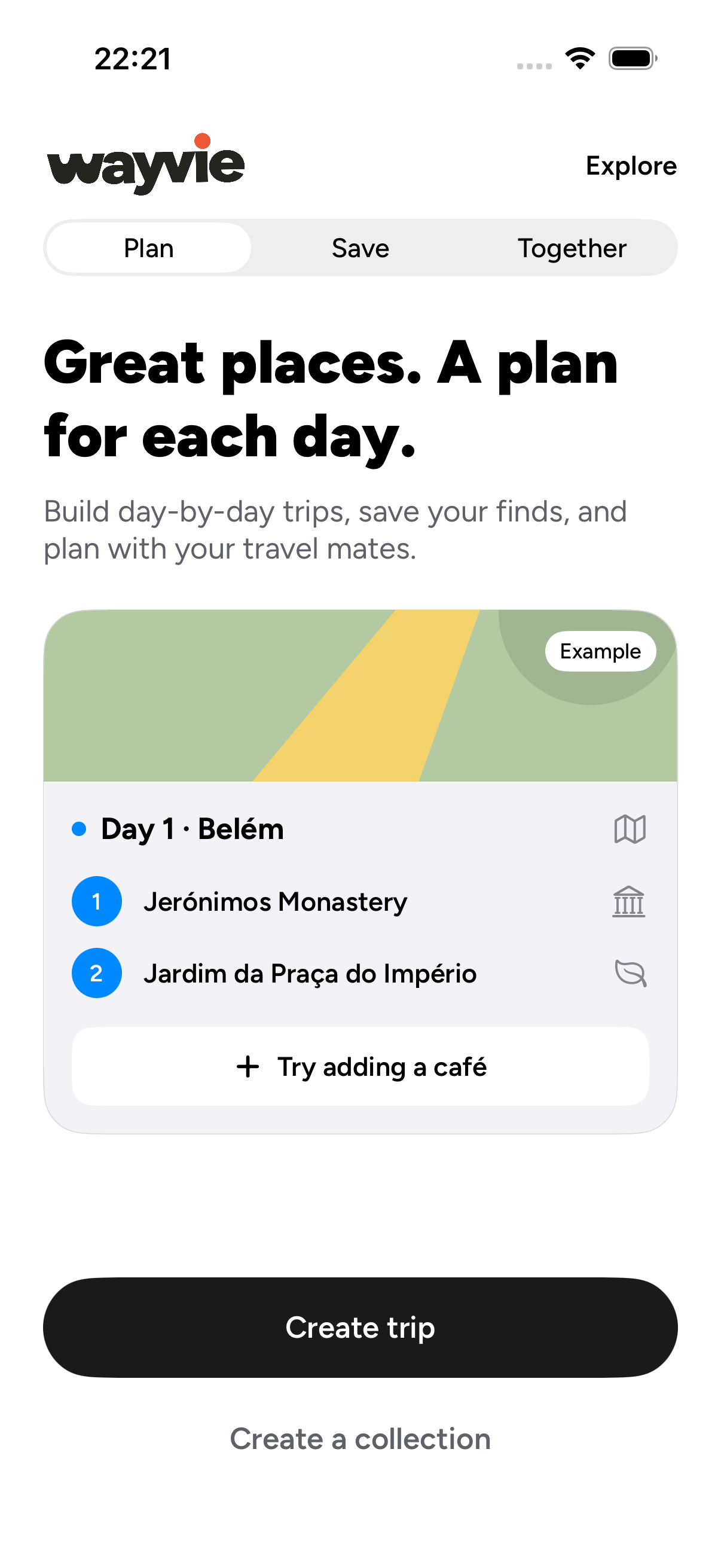
Native Plan onboarding example · Example data.
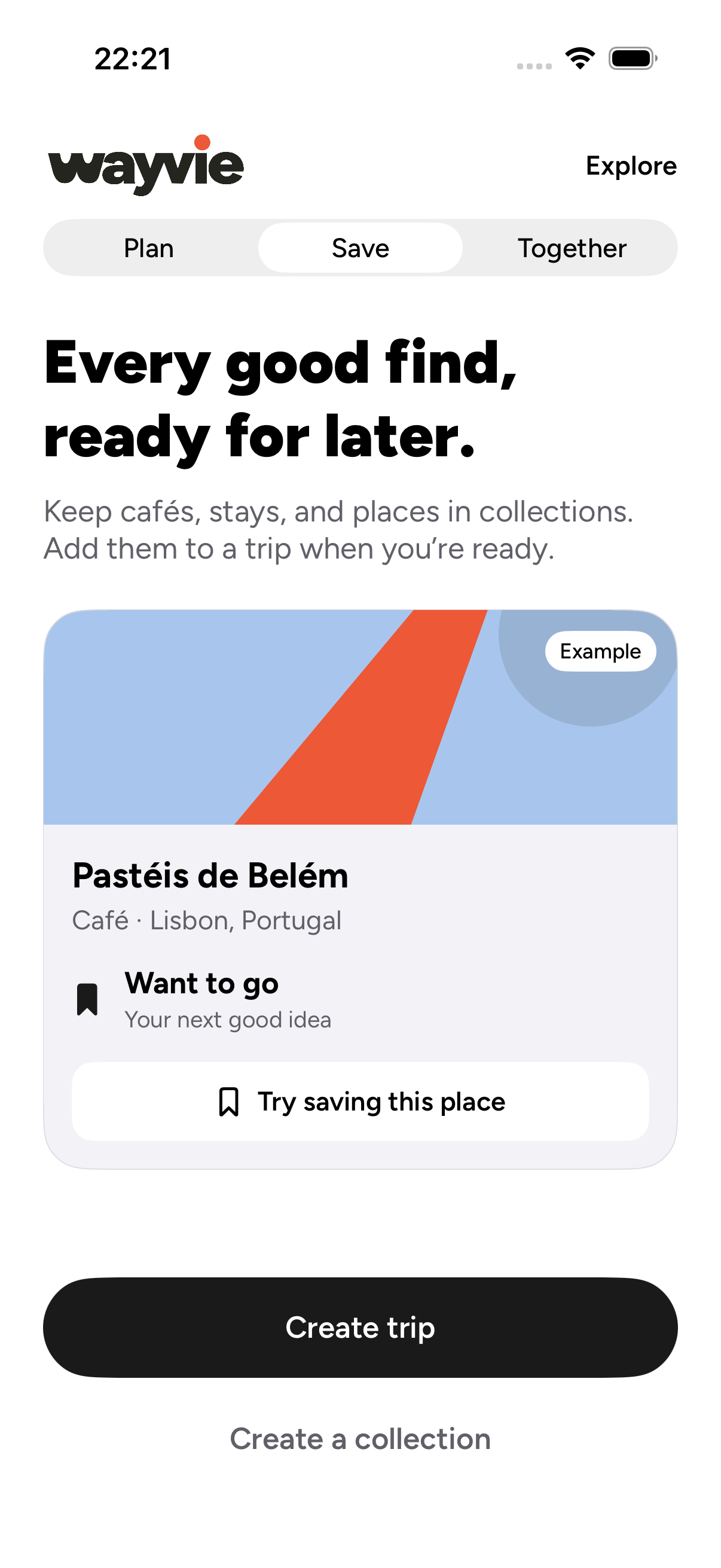
Native Save onboarding example · Example data.
Native iPhone onboarding examples · 26 October 2026 · Example data · Private testing
Build a day around the Places you love.
Choose a day below to see the plan come together.
Example trip / Portugal
Good coffee. Long walks.
A little room for the unexpected.
Alfama & the river
09:30 / A good beginning
A slow start, with a view.
11:00 / Explore
Leave a little room for the side streets.
17:30 / Take it in
One last stop before dinner.
Belém & beyond
09:00 / Start here
Save the address. Bring an appetite.
11:30 / Discover
Keep the details with the Place.
16:00 / Leave room
A day with space to change your mind.
The things you saved
10:00 / Your pick
Bring a Place from your Collection.
13:00 / Together
Keep everyone on the same plan.
15:30 / Why not?
Reorder the day as the trip unfolds.
An illustrative Trip, with room to make it yours.
Browse public Trips, search cities and Places, then gather your favourites into Collections. The plan can come later.
Add stops, see the route and travel time, keep notes close, and reorder the plan when something better comes along.
Invite Travelmates when you’re ready. Choose Can edit or Can view, so everyone has the access they need.
Take
the long
way.
03 / A plan, not a constraint
Add another place. Move a stop. Rethink the afternoon. Your route and notes stay with the plan.
Take another look at the TripStart a private Trip. Invite Travelmates when you’re ready, with access to view or help edit the plan.
Read our privacy policyA few things to know
Open the beta invitation on your iPhone. Apple will guide you through installing TestFlight and accepting the invitation. Wayvie is in private testing and is not publicly available on the App Store yet.
The TestFlight listing still uses our earlier name, Waypoint Travel Planner. It’s the same app, now called Wayvie.
Yes. Keep a Trip private and plan solo. You can invite Travelmates later, and choose Can edit or Can view for each invitation.
Collections gather saved Places, cities and countries so you can return to them when a Trip starts taking shape.
Visit Wayvie Support for help with your account or a problem in the app.
A little closer to your next Trip
Wayvie is in private testing.
Public availability will be announced here.
Install Apple TestFlight on your iPhone, then accept the invitation.
Need a hand? Contact Wayvie.
